
Nano Banana는 새로 그리기보다 비율 팩으로 돌릴 때 강했고, 상품 이미지는 4:5부터 잠그는 편이 빨랐다
Gemini 2.5 Flash Image와 최신 Gemini API 문서를 다시 보니, Nano Banana 계열은 상품컷을 새로 창작하기보다 4:5 hero를 먼저 만들고 1:1, 9:16, GIF로 확장하는 루프에서 훨씬 생산적이었다.
Nano Banana 계열을 계속 만지다 보면 "그럴듯한 한 장"보다 "같은 SKU를 여러 비율로 안전하게 늘리는 것"에서 진가가 더 잘 보입니다. Google Developers Blog는 2025년 10월 2일 Gemini 2.5 Flash Image가 GA가 되면서 10개 aspect ratio를 지원한다고 정리했고, 2026년 6월 기준 모델 문서는 Nano Banana 2와 Nano Banana Pro를 각각 high-efficiency / studio-quality 쪽으로 나눠 설명합니다. 제 체감도 딱 그렇습니다. 첫 장은 빠르게 잡고, 이후 비율 변형과 카피 공간 조정은 대화식 편집으로 여러 턴에 나눠 가는 쪽이 훨씬 안정적입니다.
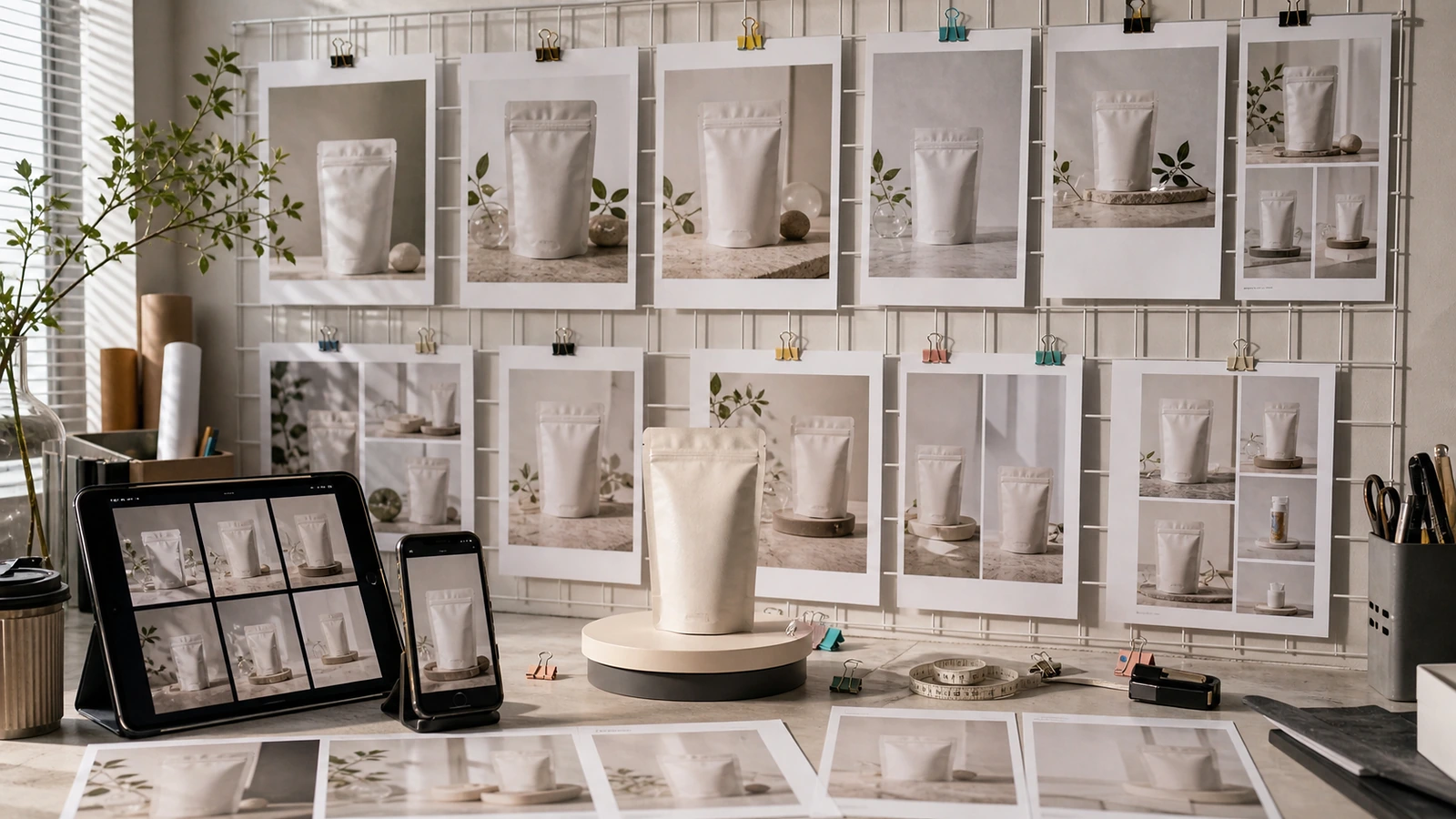
Google의 2025년 8월 28일 프롬프트 가이드는 scene을 설명하라고 하고, product mockups / negative space / accurate text를 각각 따로 템플릿으로 제시합니다. 이걸 상품 실무로 옮기면 한 번에 모든 걸 요구하기보다 첫 턴에서 hero 컷만 만들고, 다음 턴에서 negative space와 text placement를 따로 다루는 편이 낫습니다. 2025년 10월 2일 production-ready 글이 4:5, 1:1, 9:16을 포함한 10개 비율을 명시한 것도 같은 맥락으로 읽혔습니다. 결국 중요한 건 "무슨 그림을 만들까"보다 "이 SKU를 어디까지 재사용할까"입니다.
제가 제일 자주 쓰는 루프는 이렇습니다.
Catalog ratio loop turn 1: create a 4:5 studio-lit hero image of the product on a clean stone surface, preserve front label readability, leave mild upper-right copy space turn 2: convert the same composition into a 1:1 marketplace card, keep bottle scale and label kerning unchanged turn 3: expand to a 9:16 story cover, increase top negative space, keep lighting language identical turn 4: create a short looping GIF-ready variant with one subtle motion cue only
이 구조가 좋은 이유는 Gemini 2.5 Flash Image가 멀티이미지 조합, 자연어 기반 targeted transformation, iterative refinement를 기본 강점으로 갖고 있기 때문입니다. 2025년 8월 27일 소개 글은 blend multiple images, maintain consistency, targeted transformations를 핵심으로 잡았고, 2025년 8월 28일 best results 글은 conversational editing과 multi-image composition을 실전 사용법으로 풀었습니다. 여기에 2025년 10월 2일 글의 aspect ratio 지원, Bananimate 예시까지 합치면 실무 루프가 자연스럽게 나옵니다. 4:5 hero를 원본으로 만들고, 나머지는 파생합니다.
상품 편집에서는 잠금 문장도 중요했습니다.
Edit lock keep bottle silhouette, cap proportion, front label text, and mint-green brand color unchanged preserve the lighting direction from the source image do not redesign the packaging leave clean space for headline and price badge
커머스 활용 포인트는 상세페이지 메인, 마켓플레이스 카드, 스토리 커버, 프로모션 GIF를 한 번에 묶어낼 수 있다는 점입니다. 같은 SKU로 여러 채널을 운영하는 개인 작업자라면 이 비율 팩 루프 하나만 잡아도 재촬영이나 재합성 빈도가 꽤 줄어듭니다. 제 쪽에서는 "새로 그리기"보다 "첫 컷을 잘 잠그고 여러 비율로 늘리기"가 훨씬 돈이 되는 방식이었습니다.
출처 https://developers.googleblog.com/en/gemini-2-5-flash-image-now-ready-for-production-with-new-aspect-ratios/ https://developers.googleblog.com/how-to-prompt-gemini-2-5-flash-image-generation-for-the-best-results/ https://developers.googleblog.com/en/introducing-gemini-2-5-flash-image/ https://ai.google.dev/gemini-api/docs/models https://ai.google.dev/gemini-api/docs/image-generation https://github.com/google-gemini/nano-banana-hackathon-kit
우리 제품에 맞게 적용해보고 싶다면
제품 자료와 목표만 알려주시면 이미지, 영상, 상세페이지 제작 방향을 같이 정리해드립니다.